Running Ubuntu Containers with Hyper-V Isolation on Windows

Dustin Kirkland

on 13 September 2017
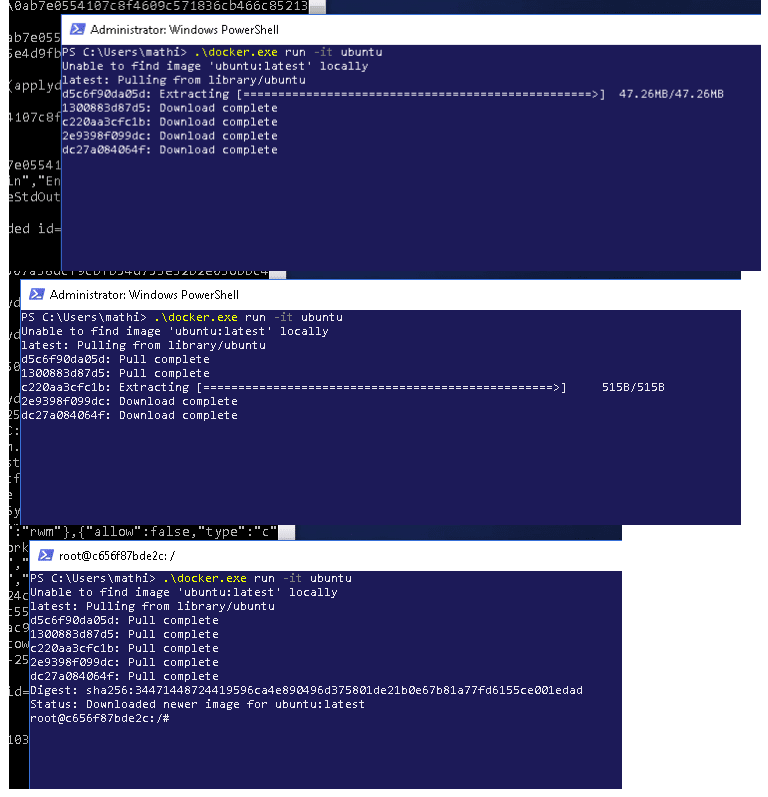
Canonical and Microsoft have teamed up to deliver an truly special experience — running Ubuntu containers with Hyper-V Isolation on Windows 10 and Windows Servers!

We have published a fantastic tutorial at https://ubu.one/UhyperV, with screenshots and easy-to-follow instructions.  You should be up and running in minutes!

Follow that tutorial, and you’ll be able to launch Ubuntu containers with Hyper-V isolation by running the following directly from a Windows Powershell:

  • docker run -it ubuntu bash

Cheers!
Dustin

Talk to us today

Interested in running Ubuntu in your organisation?

Newsletter signup

Get the latest Ubuntu news and updates in your inbox.

By submitting this form, I confirm that I have read and agree to Canonical's Privacy Policy.

Related posts

A day in the life of an Android developer with Anbox Cloud

Meet Alex, an Android developer. In this article, we’ll follow Alex through their day to show you how Anbox Cloud supports Alex from feature development to...

Canonical announces the Enterprise Store as part of Ubuntu Pro

Canonical introduces a new way to manage software behind firewalls and in air-gapped environments with the Enterprise Store. The Enterprise Store makes...

Tracing a memory leak bug in PID 1 and contributing an upstream fix: a Linux support story

How Canonical Support helped a global retail organization trace the cause for an unusual memory leak originating in PID 1. By investigating the issue across...